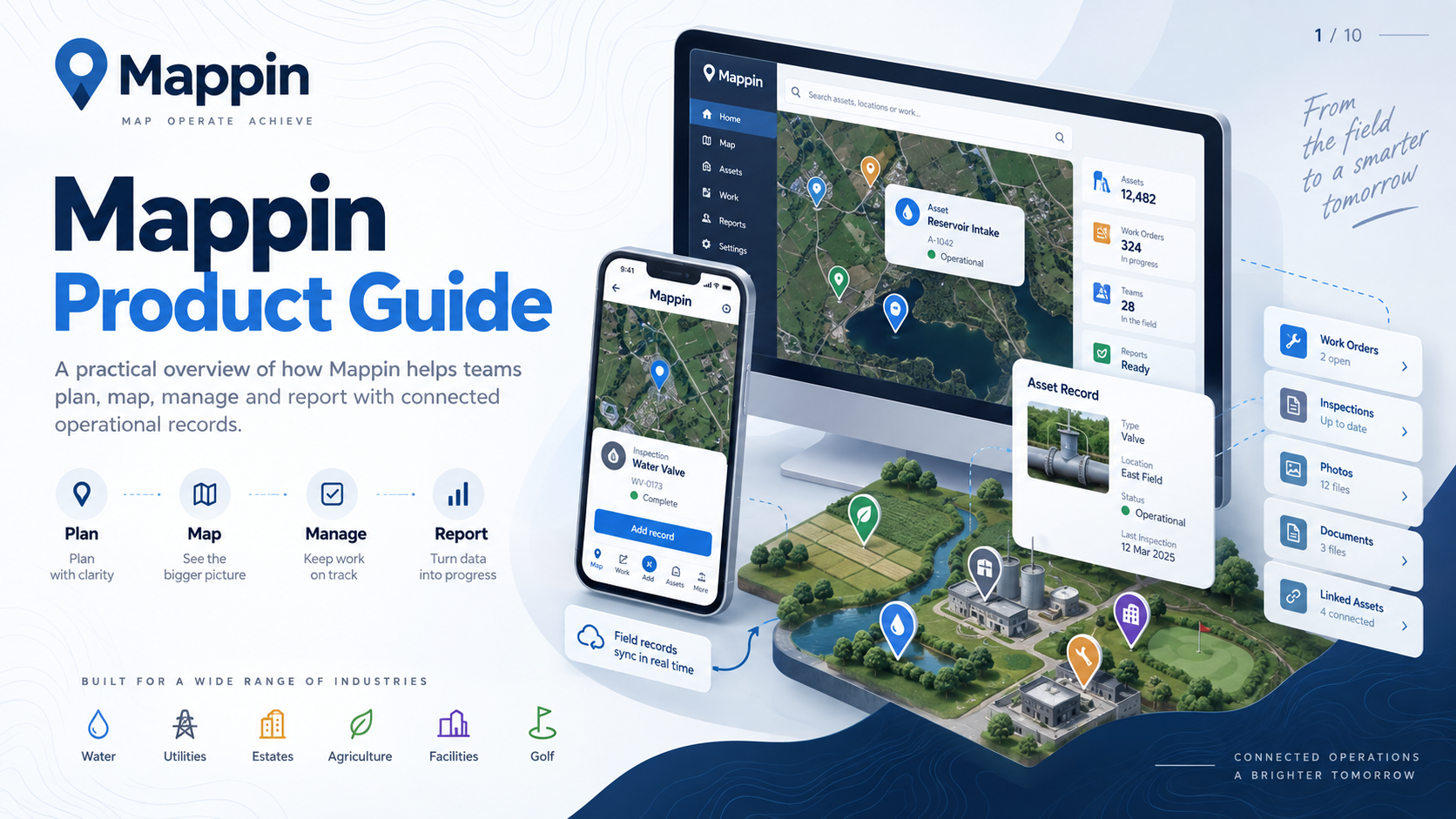
Work at the asset.
Use maps and GPS to work in real world context, update mapped records, add photographs and notes, capture audit information and manage operational status in the field.
Maps & GPSPhotos & notesAudit captureStatusCSV / KML / KMZ
Mappin combines practical field capture with authorised desktop management so the same workspace can support inspection, operations, handover and reporting without forcing every role into the same interface.
Use maps and GPS to work in real world context, update mapped records, add photographs and notes, capture audit information and manage operational status in the field.
Use separately authorised workspaces to import mapping data, search and filter records, review media, edit information and create management ready outputs from Windows.
Mappin connects field and desktop work around workspace data while keeping access intentional: Work Devices join the same workspace and Manager access is separately approved.
Build and update the mapped operational record in Mobile.
Approve the devices or Manager installations that should work with it.
Review, organise and report from the Windows management environment.
Explore the product model, Mobile and Manager roles, workspace access, capabilities, lifecycle, reliability principles and customer value in one detailed guide.